Best ways to save battery on your Android phone

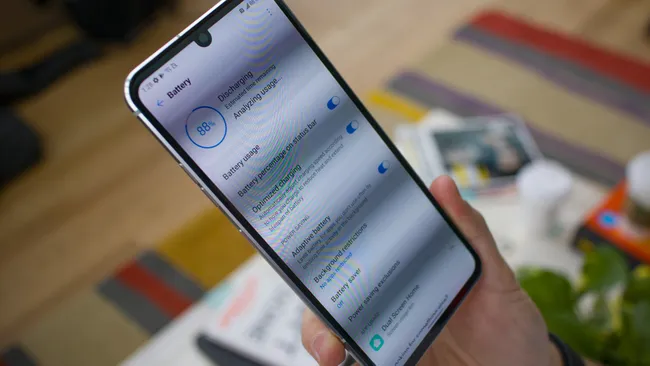
1. Battery saving modes :
Modern Android smartphones have an option called battery saving mode, which can turn off elegant display tech, and reduces background processes. Some phones have ultra-battery-saving modes, making only calling, messaging features active. Mostly, these features are located in the Setting > Battery in any Bloatware based Android phones.
2. Go Dark:
LED-based screen like OLED or AMOLED have the ability to turn every possible app to dark, thus saving lot of juice. This is because LED is based on individual bulbs lit to brighten the screen, and thus dark helps. Android 10 and after is only equipped with this feature.

3. Airplane Mode:
Mobile data, Bluetooth and Wi-Fi connectivity all take a bit of battery to maintain, especially Bluetooth if you're connected to lots of different things, so Airplane Mode can be used to switch off all of these if you're not using them.

4. Turn down the brightness :
Modern Android phones have automatic brightness, which changes how blinding the display is to match the environment. This is super useful, but if you're in a bright area it'll make your screen brighter, therefore ruining your efforts to keep this low. We'd recommend turning off automatic brightness then, if you want your handset to last as long as possible.
5. Close unused apps :
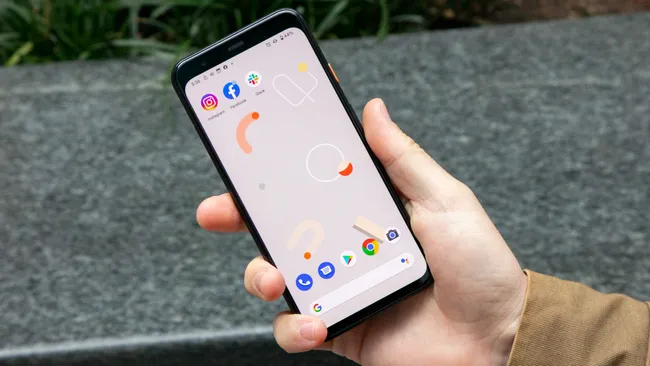
After you're done using an app and press the home button or swipe up to return to your phone's menu, you might think it's out of sight and out of mind, but it's actually still drawing power from your phone.
Lots of apps have background processes that run even when the app isn't even active, and if you've got lots of apps all running in the background this can siphon your phone's battery life that could be pretty noticeable.


Comments
Post a Comment