Best Windows Emulators for Linux

1. Wine
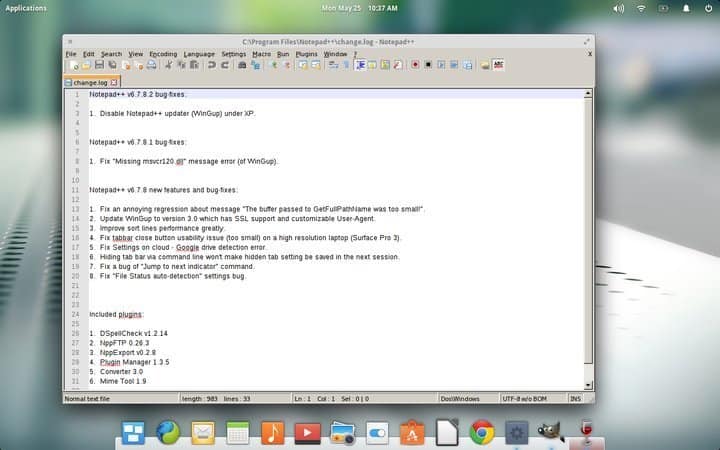
Wine is the de-facto Windows emulator for Linux users who want to run Windows applications, both software and games in their Unix systems effortlessly.
It’s very easy to install Wine on virtually every POSIX-compliant operating systems including Linux, macOS, & BSD.
VMware is a powerful virtualization platform which enables Linux users to run Windows applications seamlessly inside from their Linux machine. You can think of VMware as a software that allows you to run an operating system inside another operating system. This is a very popular Linux Windows emulator among Linux enthusiasts who need to run Windows-based applications regularly.
CrossOver Linux is without any doubt one of the best Windows emulators for Linux you can use on any Linux machine. It is, in effect, a Microsoft Windows compatibility layer that enables Linux users to run their favorite Windows apps inside from their Linux system.

QEMU is a robust virtual machine emulator and hardware visualizer which can be used to run Windows programs from directly inside a Linux system. It can act in different ways, and you’ll be primarily using it as a full system emulator for running a Windows system inside Linux.

VirtualBox is a free hypervisor that can act as a compelling Windows emulator for Linux. A hypervisor is nothing but a virtualization platform which allows users to install and run an operating system inside from another. So, Linux users can install VirtualBox and utilize it for running Microsoft Windows applications in their Linux system.


Comments
Post a Comment